
Skip to content
Your Antivirus May Be Letting You Down

Your Antivirus May Be Letting You Down

ALERT: Your Antivirus May Be Letting You Down The best way to avoid a computer virus is by using common sense, but that doesn’t mean you’ll be safe from attack. Even the most careful user can find themselves infected in…
Security Patches - The Better Way to Update

Security Patches - The Better Way to Update

Updates often come at the worst moment. You go to shut down your laptop to rush to a meeting, and you get a “Windows is updating. Do not power off” message. Argh! Or you leave your desktop to go to…

The Dark Web and Its Impact on Your Business

The Dark Web and Its Impact on Your Business

Business owners today know the internet is not only a force for good. Some people exploit the Web for ill intent. They congregate on the Dark Web, and small businesses need to understand the risks. What is the Dark Web?…
Does Mesh Wi-Fi Make Sense in Your Home?

Does Mesh Wi-Fi Make Sense in Your Home?

Wi-Fi is a top contender for a technology most of us rely upon. After all, Wi-Fi often provides our wireless high-speed internet and network connections. Without Wi-Fi we’d be stuck watching another reality TV show on a cable-connected device. We…
7 Bonuses For Small Business In Microsoft 365

7 Bonuses For Small Business In Microsoft 365

7 Bonuses for Small Business in Microsoft 365 You’ve seen all the ads for Microsoft 365. They’re popping up on your desktop, your employees are sending you meaningful looks, and clearly, it’s not going away. You’ve probably even jumped online…
11 Reasons To Upgrade To Microsoft 365 Today

11 Reasons To Upgrade To Microsoft 365 Today

With Microsoft 365, it seems common sense has finally prevailed, giving business the changes they actually want. It’s still Office, and your staff will still know exactly how to work it, but they’ll get so much more done. 1. The…
Failure is Not an Option: Getting Rid of Single Points of Failure

Failure is Not an Option: Getting Rid of Single Points of Failure

You might think that your business is going to be OK even if a single device goes down. After all, there are other devices your people can use. It’s not as if the entire system is going to fall like…
Why You Need Professional Virus Removal

Why You Need Professional Virus Removal

“Your computer has a virus.” Such a dreaded five words! We don’t want to come down with a human virus; we’ll feel awful and miss work. But when a virus hits our computer, we could lose valuable information or be vulnerable to attack. Chicken soup won’t cut it.

Perhaps you have an antivirus product installed on your computer. This computer software is intended to prevent, detect, and remove viruses. Antivirus tools are designed to keep infections out. They can also delete any viruses that may already be on the computer when the software is installed.

The software provides protection by tracking malicious code and other computer threats via:

  • classifying the actions the file or code drives (as malicious or OK);
  • inspecting file signatures for matches to an existing signature in its virus dictionary;
  • scanning for rootkits that can change how your operating system functions.

However, antivirus software isn’t that good at cleaning up. When it detects a malicious file, it will delete it. But what if the virus spread before discovery? If the infection spreads before virus deletion, it can do all sorts of damage.

Think of it this way: you have a cyst on your knee. Doctors decide it is pre-cancerous and operate to remove the cyst before it spreads. But, that’s all they do. They have seen the cyst. They go for the cyst. However, they don’t notice the cancer that’s in your shin or femur, because they were only working on the cyst. The rest of your leg remains unhealthy, and you don’t even know it!

Getting a Second Opinion on Viruses

If the antivirus software is your primary physician, a computer professional is the specialist you go to for an expert second opinion. For one thing, antivirus products don’t always remove all the malicious files. Many viruses start as one thing but can mutate into several different strains. The antivirus software may not be programmed to identify all of the virus variants. A professional actively looks for undetected strains on your computer.

Viruses are always evolving. A recent strain of malware, SquirtDanger, let hackers take computer screenshots, capture passwords, download files, and empty out cryptocurrency wallets.

Some viruses can change the settings of your computer. For instance, a common virus changes your computer’s DNS, which is like a bit like the Yellow Pages for the internet. On a virus-free computer, when you type in “Google.com”, your browser goes to Google’s servers located at the IP address “216.58.203.100.” However, an infection can make Google.com on your computer go to a different address. Perhaps a server address cybercriminals use to capture your personal data. It still looks to you like Google, but it’s no longer safe. These settings can still remain after the infection is long gone.

Viruses can also leave behind browser toolbars, extensions, and other nasties designed to spy on your Web browsing habits. If you’re consistently redirected to unwanted sites, or seeing unwanted pop-up advertisements, it’s likely your computer’s infected with a browser hijacker.

Ultimately, if you detect a virus on your computer, check with a professional. Don’t trust that your antivirus software is going to do the same, thorough job an expert can offer. Sometimes your computer isn’t fully safe until the operating system is reinstalled, but you can’t know that until someone can go in and see what the virus did and what remnants are still there, lurking.

Cybercriminals are growing more sophisticated and better able to design viruses that disguise their tracks. Avoid being an unwitting victim. A computer security expert can diagnosis when your computer gets a virus, or determine if there are strains on your device you don’t know about. Let a security expert protect your computer from harm today! Call uson 07 855 2169.

Locking Up Cybersecurity with a Managed Services Provider

Locking Up Cybersecurity with a Managed Services Provider

Cybercrime is not the most costly of illegal activities. That dubious distinction goes to government corruption, followed by drug trafficking. Cybercrime comes in third. Yet cybercrime does take the top spot when it comes to numbers of victims. A managed…

Handle with Care: Sending Data Securely

Handle with Care: Sending Data Securely

In our digital economy, we send and receive information quickly online. The Internet offers immediate communication with colleagues, clients, vendors, and other strategic partners. Yet we shouldn’t prioritize convenience over data security. What data do you send in a day’s…
Island Hopping: Not Always a Good Thing

Island Hopping: Not Always a Good Thing

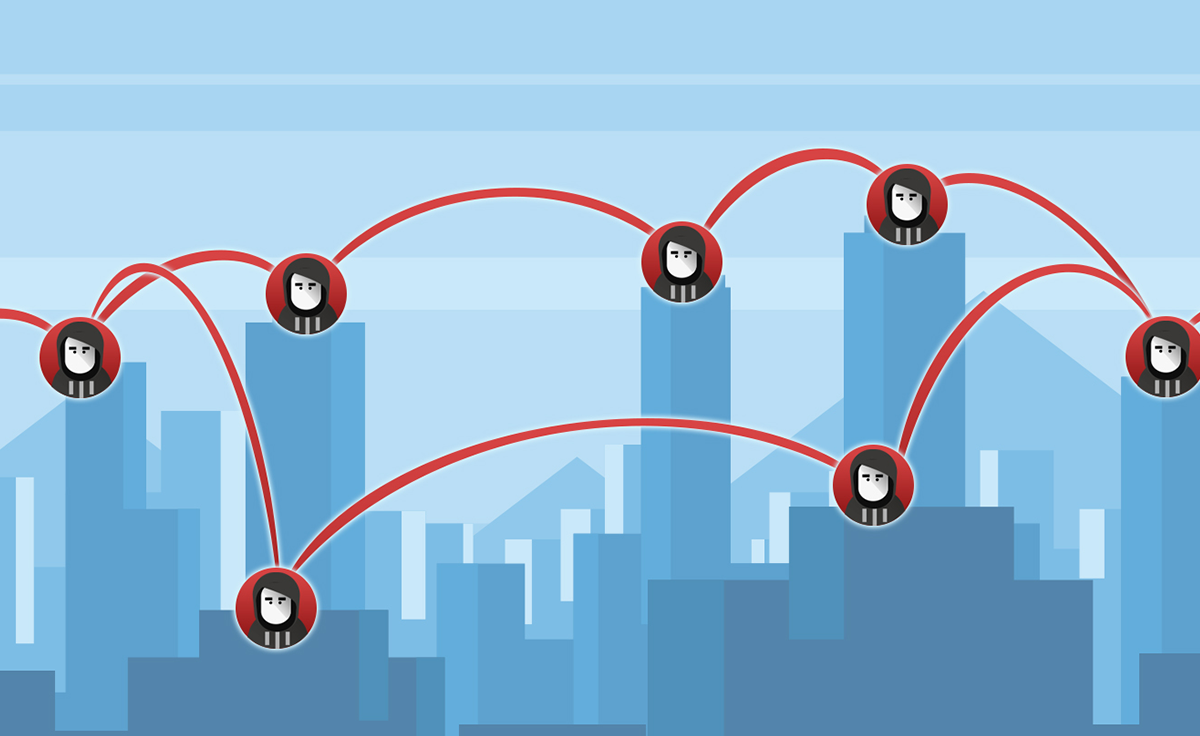
The phrase “island hopping” conjures up positive images. You might think of cruising beautiful sandy beaches on a tour of tropical islands. Too bad cybercriminals have given the term a new, less pleasant spin. Island hopping is an increasingly popular…
Is Your Physical Security as Good As Your Cybersecurity?

Is Your Physical Security as Good As Your Cybersecurity?

Headlines are often made by firms that have been hacked by “elite” cybercriminals. These events sound high tech, sophisticated, and interesting. The truth is almost always an amateur attacker chancing their luck with an unpatched security hole or bad password. Physical break-ins affect businesses far more commonly and cause much more damage, but get talked about far less.

Similar to technology hacks, most physical security threats come from criminals that chance their luck on businesses that look poorly secured. On a rare occasion, they may strike a business owner that has forgot to lock up or failed to set the security alarm.

By breaking in, these criminals exploit poor physical security to cause damage and steal valuables. Typically, by destroying or taking critical assets, a criminal may make a few hundred in profit while the total damage done to the business is counted in the tens of thousands.

While most IT security packages act automatically and always remain on, physical security needs to be made a daily habit and require periodic updates.

Threats Starting from Within

Every business should have secure locks protecting their doors. Many use an alarm system to add protection to valuable assets. However, there are common threats that neither of these can protect you from. How would your business be protected if the attack came from within your firm?

A disgruntled employee, or even a former employee, can do an enormous amount of damage to a business. Attacking their own business, an employee can likely do more damage during the day than a criminal could breaking-in overnight. Misplaced trust in the wrong individual can result in devastating consequences.

Employees typically have access to one of your business’s most valuable assets: data. A criminal may steal computer hardware to sell on for quick cash because most don’t fully understand the value of the data stored on it.

The value of the data in a business machine can easily exceed the cost of the hardware one hundred times over.

Physical Security Heists

For criminals who do understand the value of data; physical security can be the weakest spot in a business’ armor. In 2013, media streaming service Vudu suffered a break in where criminals stole server hardware to obtain credit card information stored within.

A technology savvy streaming firm is highly likely to have up-to-date IT with excellent security measures. Thieves looking for easy cash recognized that the best way to get to the data was through their comparatively weak physical security.

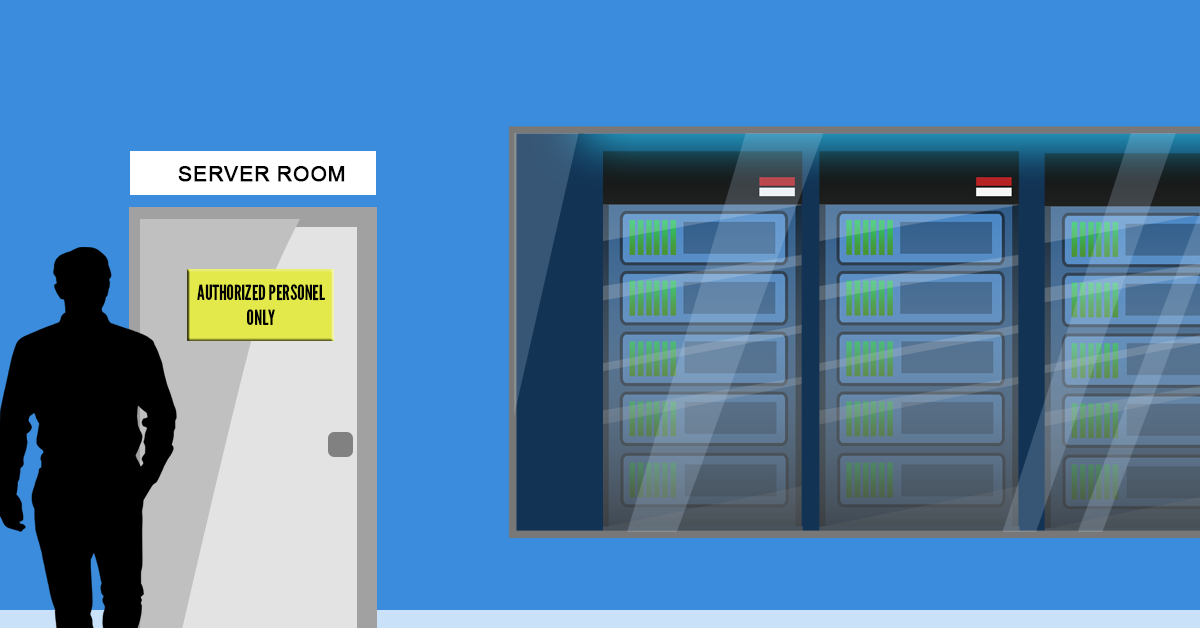
The best security packages in the world are completely infective if the keys are left in the door and physical hardware is easy to remove. This challenge of securing your data can be made even more difficult when using a location that must remain open to the public.

Securing Your Data with Good Security Practices

Keeping your customer data safe is one of the most significant responsibilities small business owners take on. It requires a duty to employ the best possible security practices to keep your customers safe. For a customer to have the trust to use your business over the competition, they have to see their concerns put to rest.

Locking down data access for employees so they can only view and edit what is strictly needed, protects both customers and the business against many kinds of damage; both accidental and malicious. Limiting device access, such as disabling USB ports to thumb drives or storage devices, helps to prevent data being copied and carried offsite.

Physically locking down a server in the location it sits is one of the best deterrents available to prevent against theft. Locked server racks are an excellent piece of physical security that works on top of the building security already in place.

Make sure your business is up to the task of securing its data. Give us a call on 07 855 2169 to audit both your digital and physical security.